
Shop pages
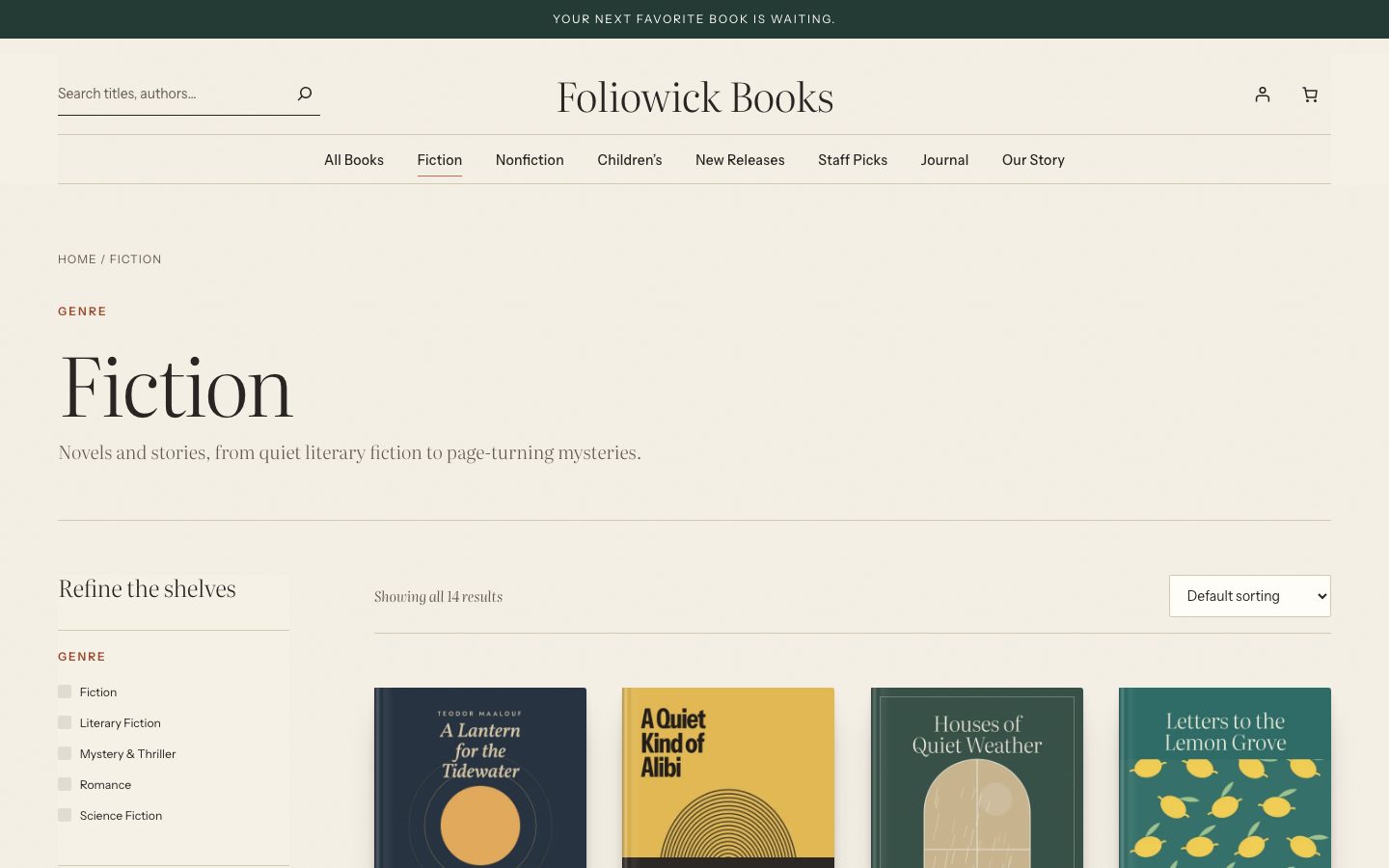
The shop, genre, reading list, author and search pages share one layout: a header that names the kind of page (genre, reading list, author or search) with its title and description, then the filters beside the results, with the count and sorting.
To edit it, go to Appearance → Editor → Templates and open Product Catalog (or Products by Category, Products by Tag, Product Search Results and so on).
Filters
Filters are WooCommerce’s own Product Filters block, so they work with WooCommerce’s URLs, caching and extensions. Foliowick sets it up with:
- Active filters as removable chips, with Clear filters
- Genre
- Price
- Every product attribute your books use: author, format, language, age group and so on
- Rating
- Availability
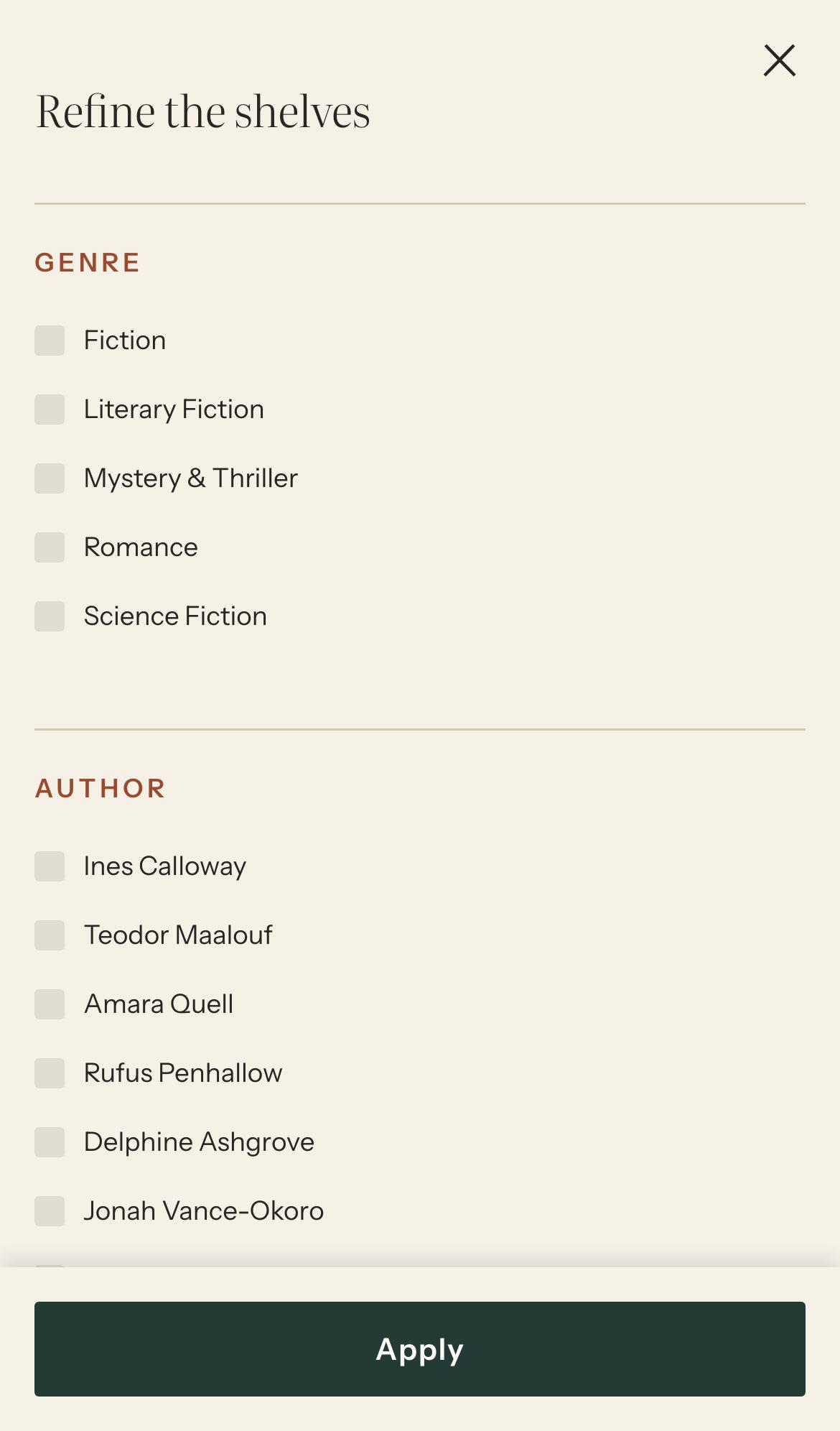
The filter column is titled Refine the shelves. Filters only show options that exist in your catalog. On phones the filters open in a drawer.
Search
The header search looks through your books, and also matches author names. The search results page has a search field to try again.
Book pages
A book page has:
- The cover and gallery
- The purchase column: genre, title, author, rating, price, short description, the format choice for editions and Add to cart
- The description, set for reading
- Book details: every attribute the book has (author, format, language, pages, ISBN…)
- Reviews
- Related books that share a genre or reading list
To change the layout, go to Appearance → Editor → Templates → Single Product.
Cart and checkout
The cart, mini-cart, checkout and My Account use WooCommerce’s blocks with Foliowick’s styling. Checkout has its own quiet header, with the wordmark and a way back to the bag. Nothing in the theme changes how prices, payment, shipping or orders work.