Send your customers a prepaid Canada Post return label, or let them create one from their account. Returns are available for orders shipped within Canada.
Creating a return for a customer
Open the order. In the Canada Post Shipping box, open Returns and click Create a return label. Choose the items and quantities, the reason, the Return service and the label type, then create the return and send the label to the customer.
- Printable label: the customer prints the label.
- Traditional QR code and Secure QR code (printed at the post office): the customer shows a QR code at the post office, which prints the label.
- Box-free return (QR): the customer hands the item over without packaging, where available.
Self-service returns from My Account
Turn on Allow customers to create returns from My Account in Settings → Returns and set the Return window. Customers then see a return button on delivered orders within the window. They choose the items, a reason and the return option, and download their own label. Only the order’s owner can see its return labels.
Following up
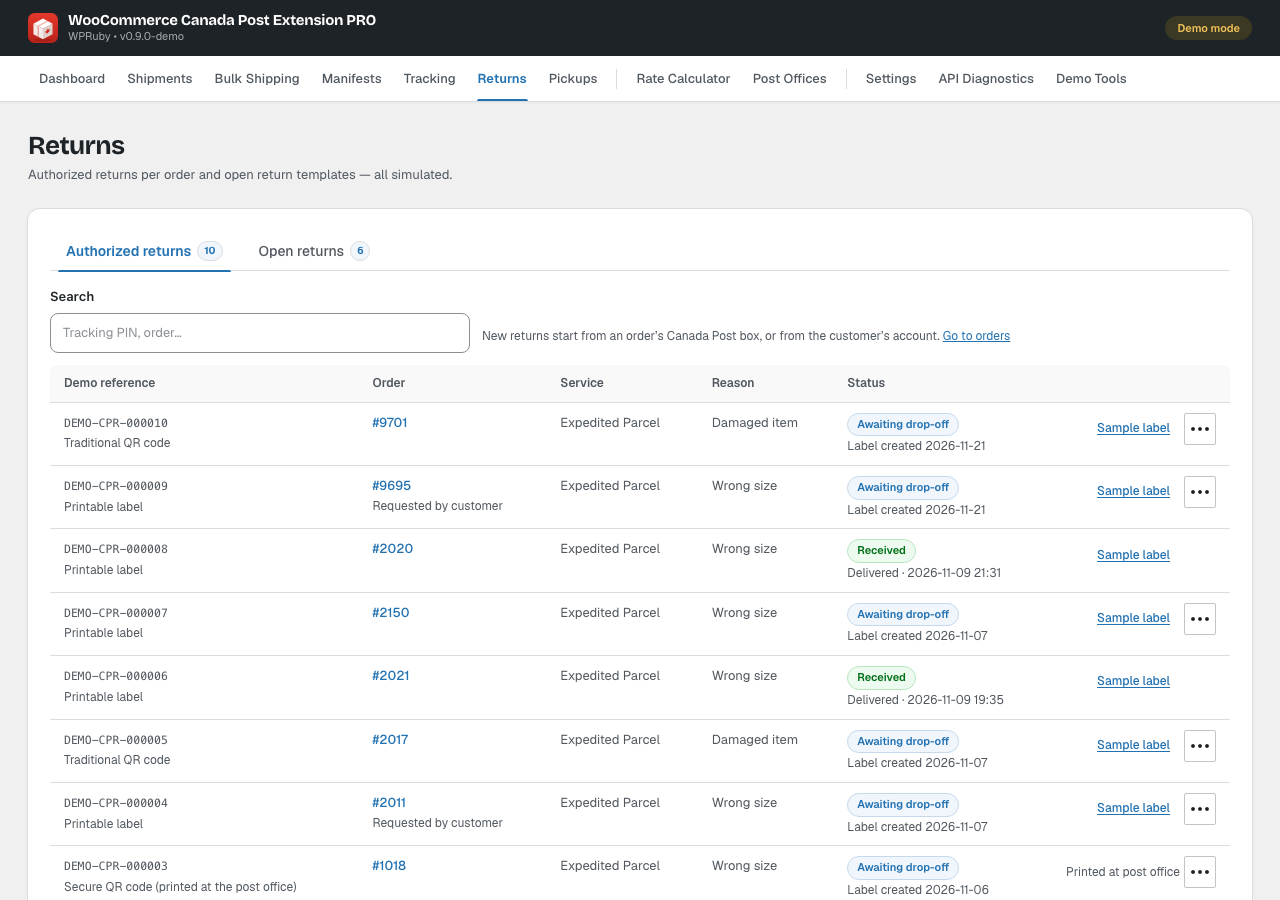
Canada Post → Returns lists every return with its status, from awaiting drop-off to received, and the label. The Open returns tab manages open return templates: a stock of pre-issued return labels you can hand out, with a counter of labels left. Click Create template to add one.