
Before activating your license, make sure the Free version of the plugin is deactivated and the Pro version is installed and active on your website.
After installing the Pro plugin, go to:
WooCommerce → Australia Post Centre → License
On this page, you can enter and activate your license key.
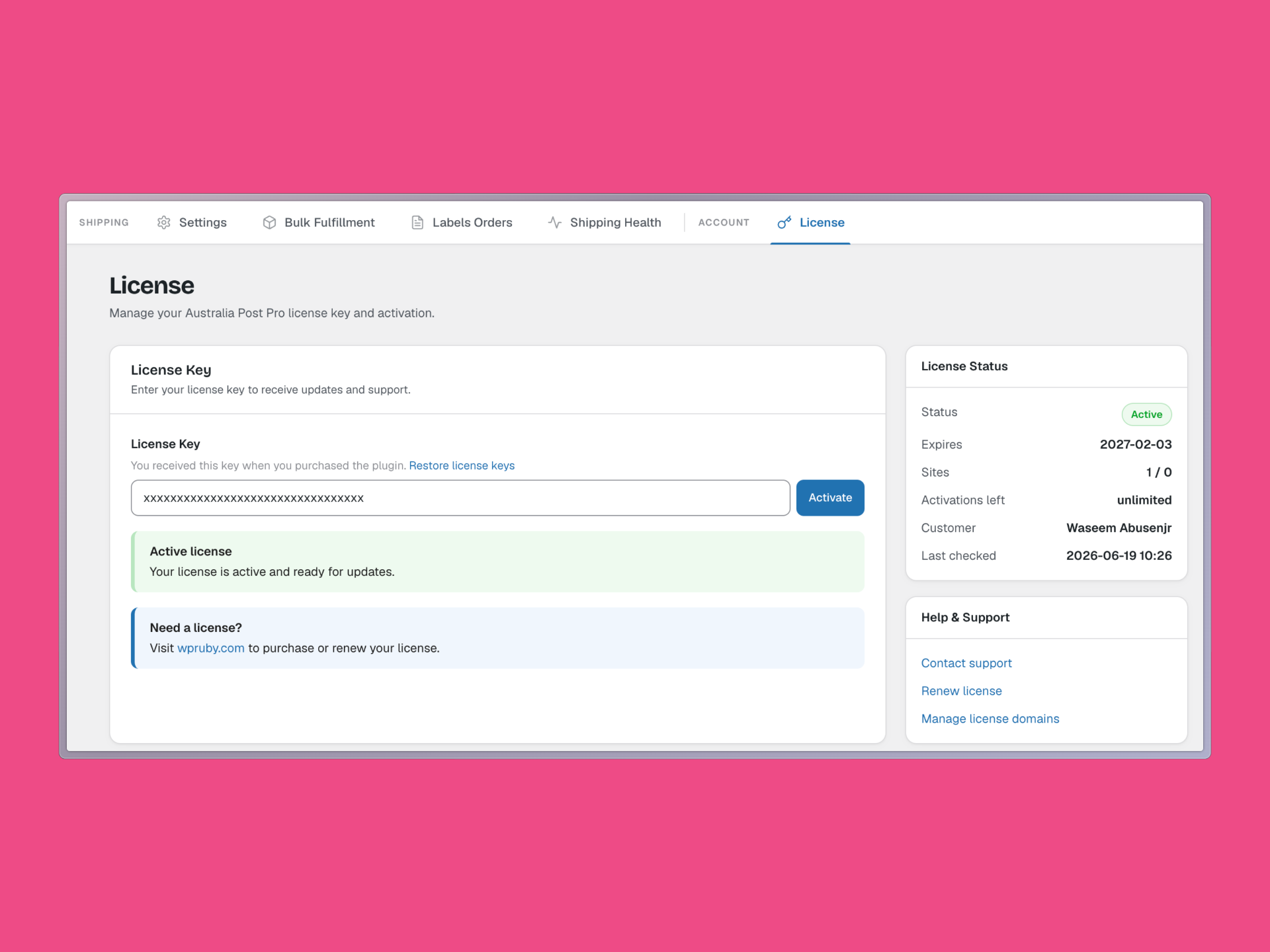
In the License Key field, paste the license key you received after purchase, then click Activate.
Once the license is activated successfully, you will see a confirmation message saying that your license is active and ready for updates.
You will also see your license details on the right side of the page, including:
- License status
- Expiry date
- Number of activated sites
- Activations left
- Customer name
- Last checked date
You can find your license key in your purchase receipt email.
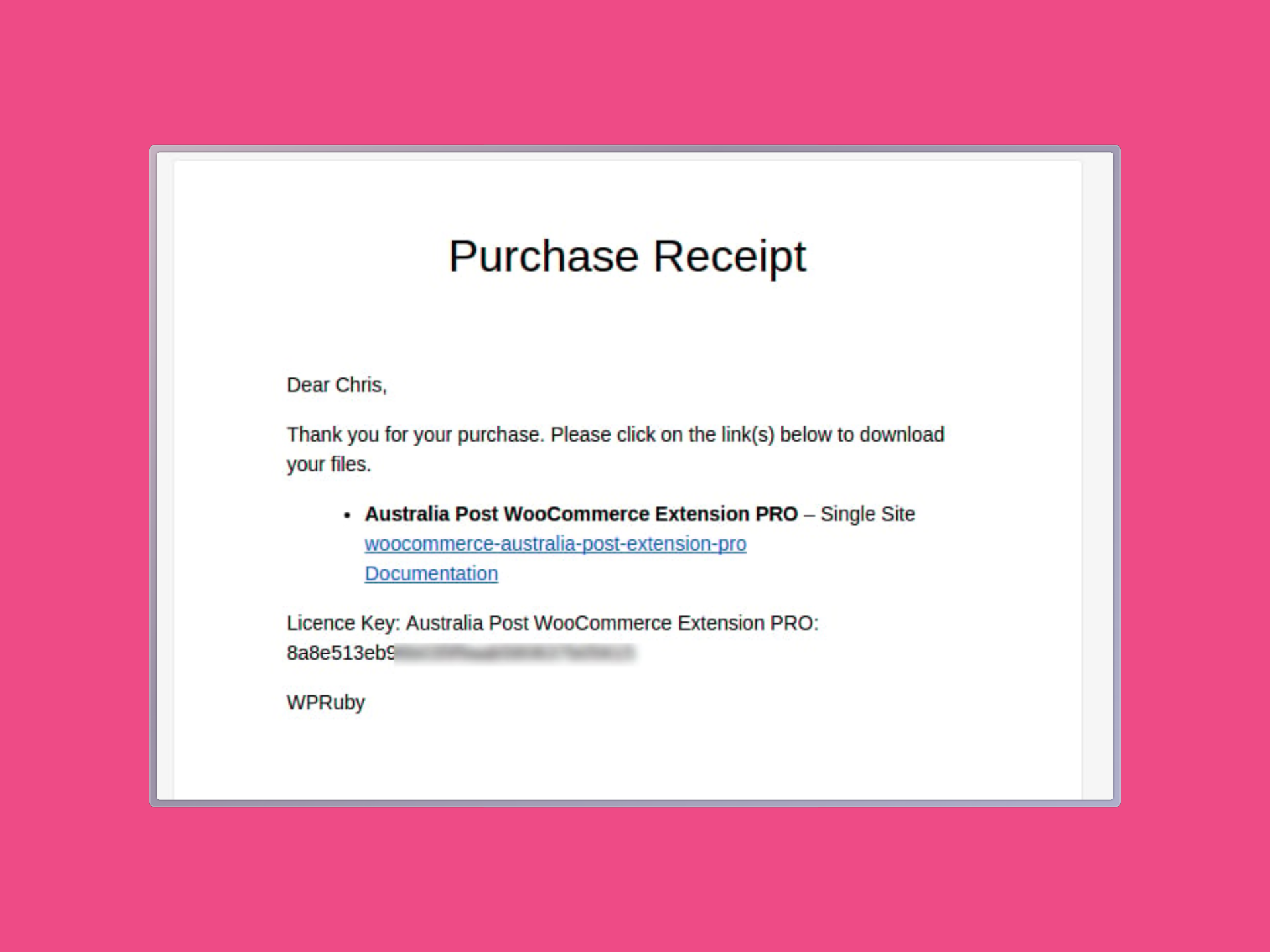
The purchase receipt includes your plugin download link and your license key.
Copy the license key from the receipt email and paste it into the License Key field on the plugin’s License page.
If you cannot find your receipt email, you can also log in to your WPRuby account and open your purchase history. Select the relevant purchase and click View License to find your license key.
After the license is active, you can return to the plugin settings and continue configuring the plugin.