
Shop and collection pages
The shop, category and search pages share one layout: the collection title and introduction, then the filters beside the products, with the result count and sorting above them. On a category with an image, the image sits beside the title like a collection opening: add it under Products → Categories → edit a category → Thumbnail.
To edit the layout, go to Appearance → Editor → Templates and open Product Catalog (or Products by Category, Product Search Results and so on).
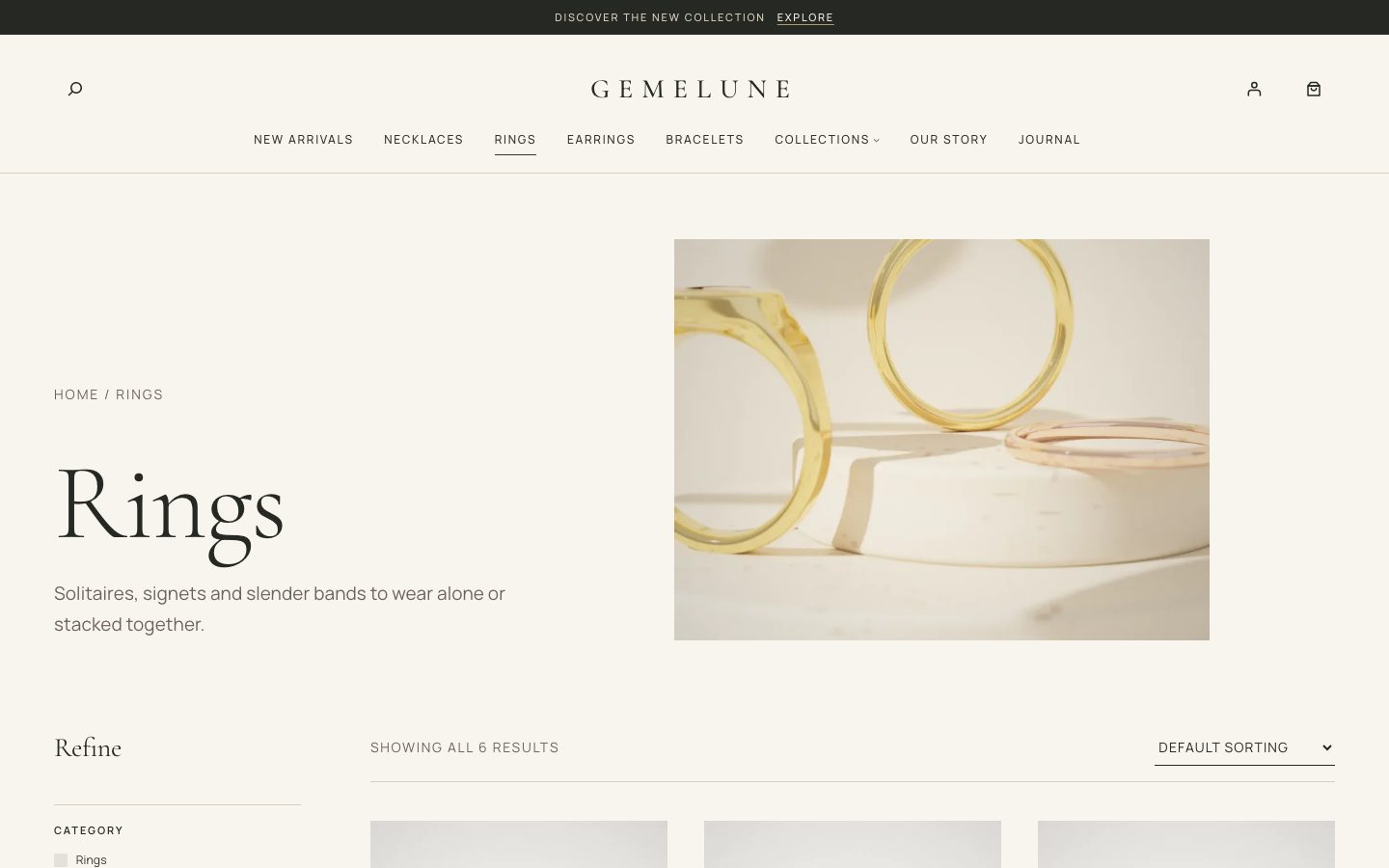
Filters
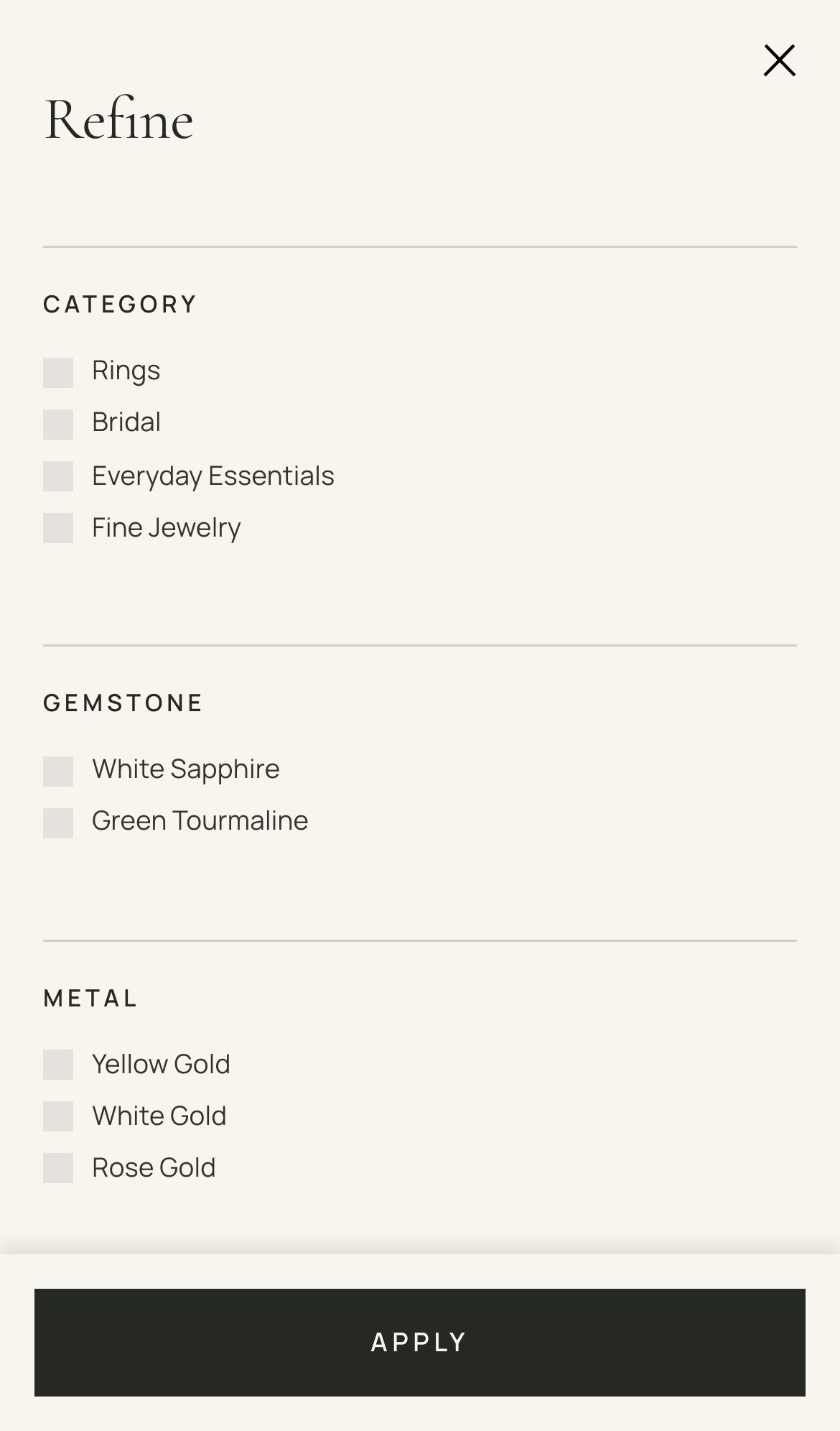
Filters are WooCommerce’s own Product Filters block, so they work with WooCommerce’s URLs, caching and extensions. The column is titled Refine and has:
- Active filters as removable chips
- Category
- Price
- Every product attribute your pieces use: metal, gemstone, ring size, length, style and so on
- Availability
Short choices, such as ring sizes and lengths, show as chips; the rest as a checklist. On phones the filters open in a drawer.
Product cards
Cards show the portrait product image, the badges, a second image on hover, the name, the price and up to five metal swatches.
Product pages
A product page has:
- A large gallery with zoom and a lightbox
- The purchase column: collection, title, rating, price, short description, the options (metal swatches and size buttons, with the size guide) and Add to cart, with your delivery link under it
- The details in accordions that work without JavaScript: the description, specifications (the product’s attributes, weight and dimensions), and care and delivery from your information pages
- Customer reviews and related pieces
To change the layout, go to Appearance → Editor → Templates → Single Product.
Cart and checkout
The cart, mini cart, checkout and My Account use WooCommerce’s blocks with Gemelune’s styling. Checkout has its own quiet header and footer, with nothing that leads away from the order. Nothing in the theme changes how payment, shipping or orders work.