
The plugin uses your own GLS Canada account, so shipments are billed to you at your GLS prices. GLS Canada must switch on API access for your account first. There is no fee for API access.
1. Make sure you can log in to GLS Canada
Log in to the GLS Canada shipping site at ship.gls-canada.com. If you have no login yet, register there first. You also need your 6-digit Parcel billing account number.
2. Ask GLS Canada to enable API access
Email [email protected], for example:
Subject: API access request – Smart4Integration
Hello, please enable Smart4Integration API access (sandbox and production) for our account. Company: … Billing account: … Login e-mail used for the API: … We will use the WooCommerce plugin “WooCommerce GLS Canada Shipping Pro”.
GLS Canada may ask you to confirm that you are the account holder.
3. Enter your credentials
Go to WooCommerce → GLS Canada Centre → Settings. Under Account, choose the environment and enter your API username (your GLS Canada login, usually an e-mail address), API password and 6-digit Billing account, then click Save Changes.
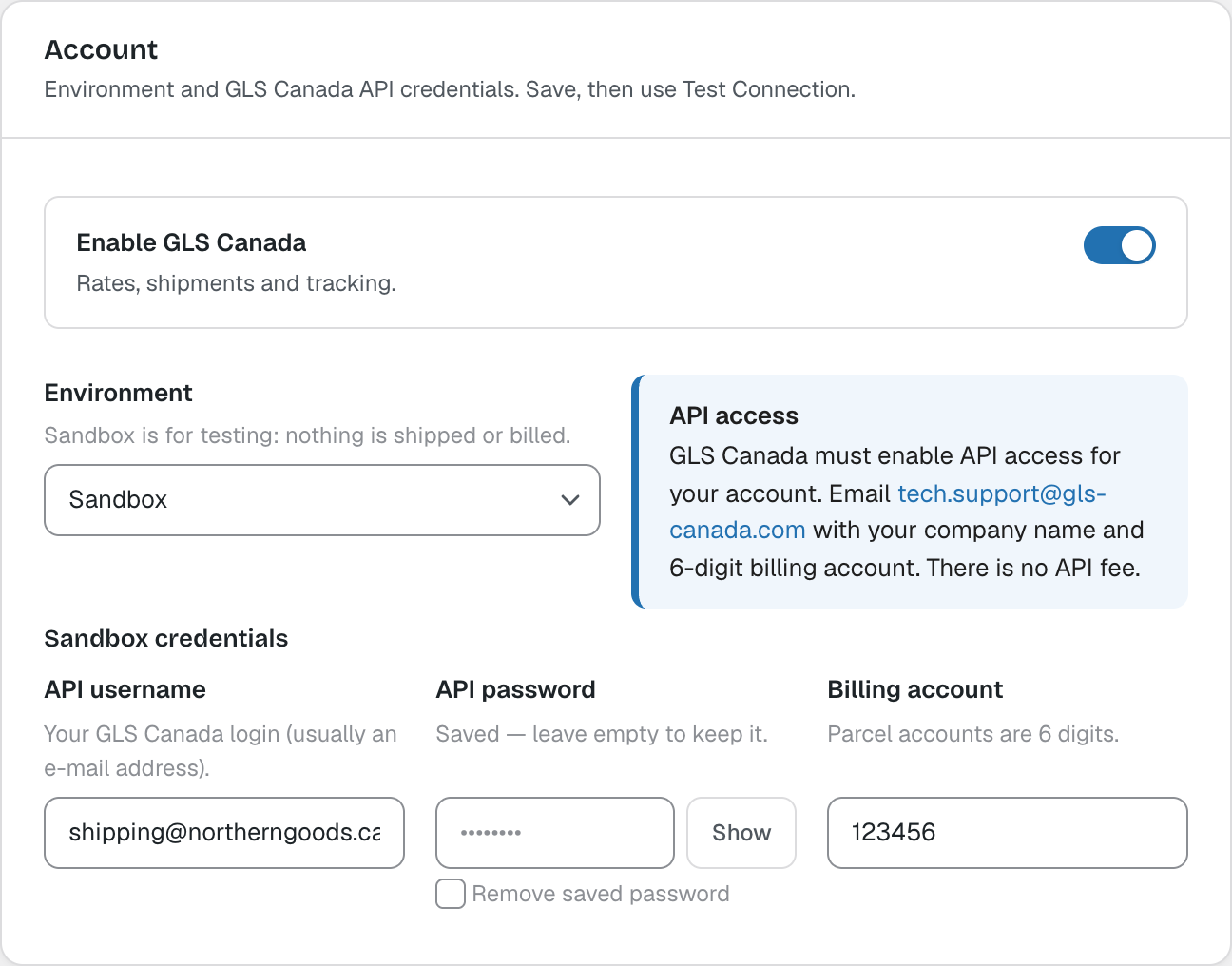
Only the selected environment’s credentials are shown. Saved passwords are encrypted and are never shown again; leave the field empty to keep the saved password.
4. Test the connection
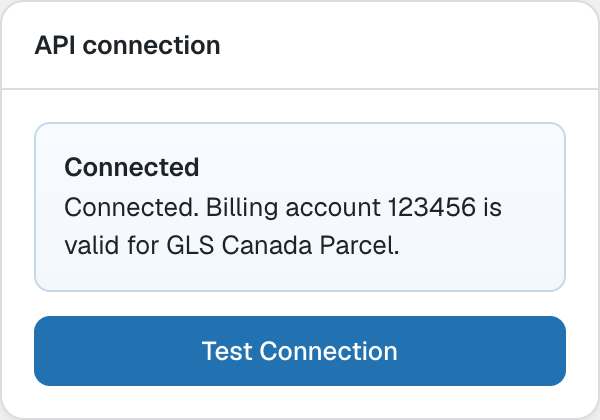
Click Test Connection. The plugin checks your login and billing account with GLS Canada and shows Connected when everything is right. If GLS requires references for your account, they are listed here.
Note: You can also define the username and password in wp-config.php with the constants GLSCA_SANDBOX_USERNAME, GLSCA_SANDBOX_PASSWORD, GLSCA_PRODUCTION_USERNAME and GLSCA_PRODUCTION_PASSWORD. They take precedence over the saved settings.