
GLS rates are shown at checkout for the shipping zones that contain the GLS Canada method. GLS Canada Parcel ships within Canada only.
1. Add the method
- Go to WooCommerce → Settings → Shipping.
- Edit (or create) a zone that covers Canada, or specific provinces or postal codes.
- Click Add shipping method, choose GLS Canada and save.
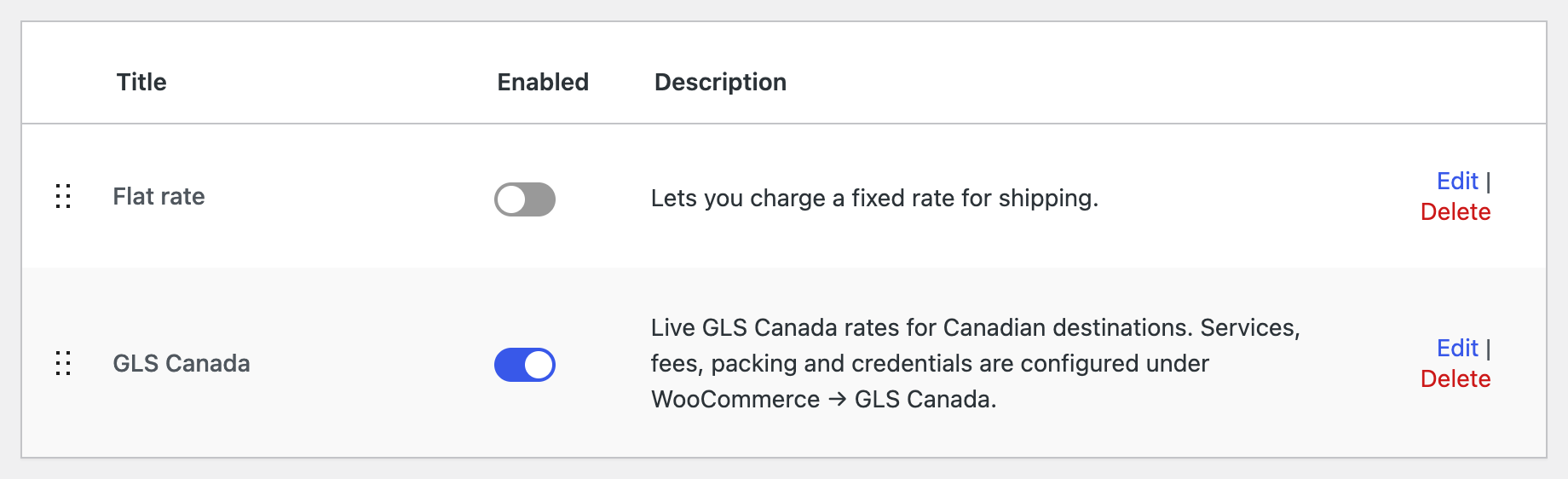
2. Edit the method (optional)
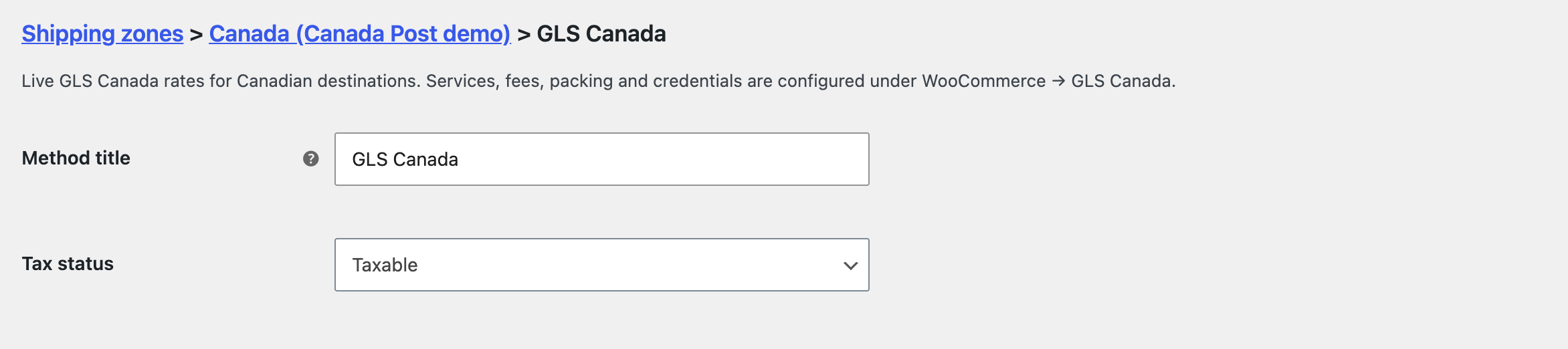
Click Edit to set the method title used in the admin and its tax status. Services, prices and packing are set once for all zones in the GLS Canada Centre settings.
3. Check the checkout
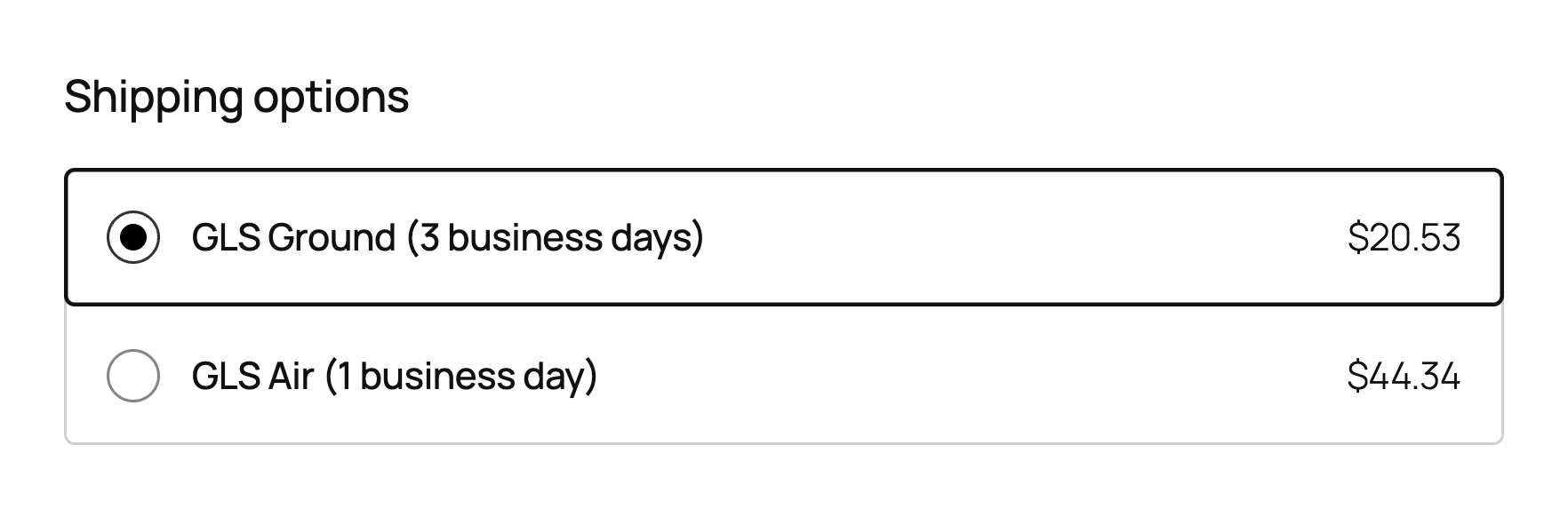
Add a product to the cart and enter a Canadian address. The enabled GLS services are shown with their prices and, if turned on, the transit time.
Note: No rates? Run Shipping Health and see Troubleshooting. Rates need credentials, a sender address and product weights (or a default weight).