
Your license enables plugin updates and support. All shipping features work without it.
1. Find your license key
The key is in your purchase email and in your WPRuby account under Purchase history.
2. Activate it
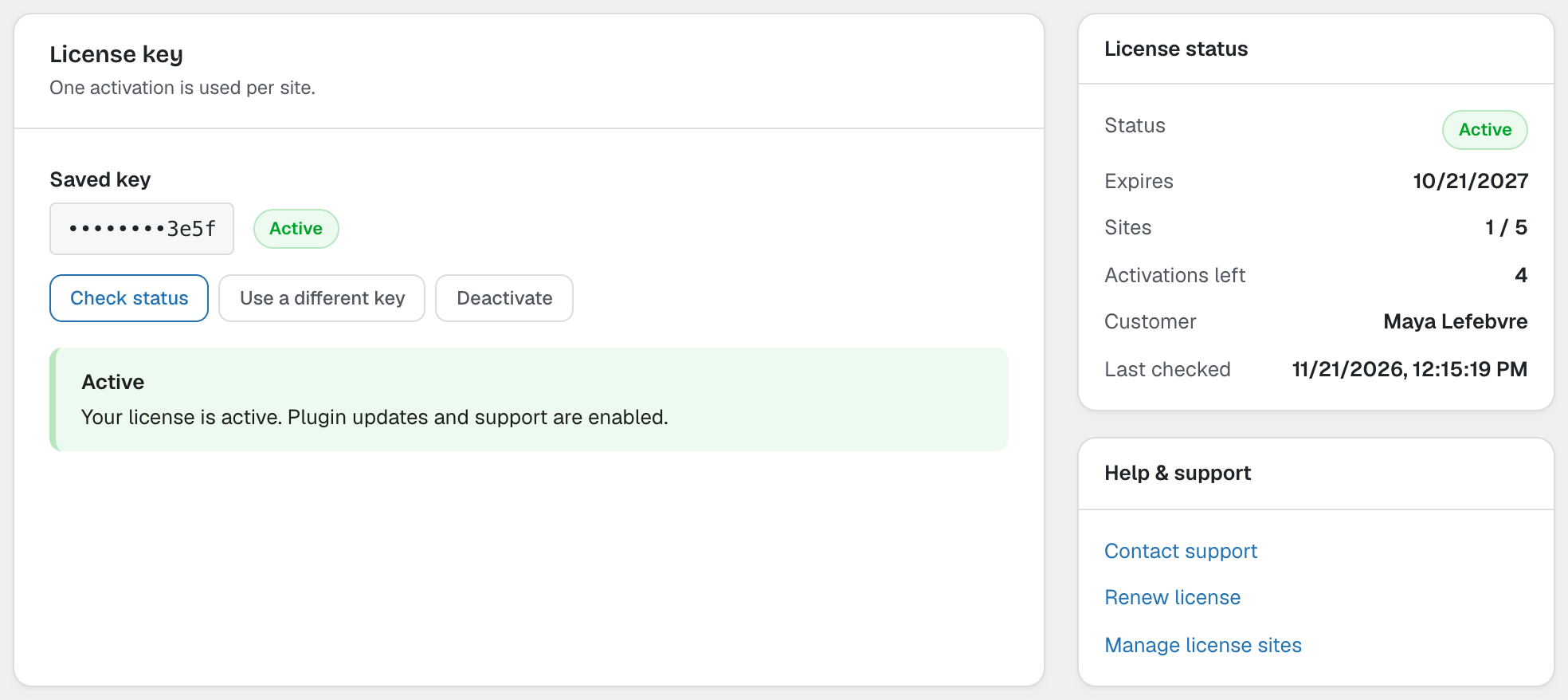
Go to WooCommerce → GLS Canada Centre → License, paste the key and click Activate. The status changes to Active and shows the expiry date and how many sites use the license.
Moving to another site
Each activation uses one site of your license. Click Deactivate on the old site before activating the license on the new one. Use a different key replaces the key; Check status checks the license again without using an activation.
Note: If the license cannot be activated, see Troubleshooting.