
A starter site fills your store with a sample catalog so you can see Candy Shop working before you add your own sweets: products with images, prices, attributes and sample food information, categories, “Our Story” and “Contact” pages and a menu. Four of the five starters can also apply their own design: a style variation, header, footer and homepage.
Starter sites are optional and need WooCommerce.
The starters
| Starter | Catalog | Design it applies |
|---|---|---|
| Sweet Shop | Gummies, chocolate, sour candy, lollipops and gift boxes: 21 products and a build-your-own pick & mix box | None. Keeps your current design |
| Chocolatier | Truffles, bars, bonbons, pralines and gift boxes | Chocolate Box style, centered boutique header and a chocolatier homepage |
| Pick & Mix | Sweets sold by weight, jars and build-your-own bags | Sherbet style, minimal header, footer with newsletter and a pick & mix homepage |
| Retro Sweet Shop | Nostalgic classics, sherbets, chews and decade boxes | Pastel Party style, candy stripe header, light footer and a retro homepage |
| Snacks & Treats | Crisps, popcorn, cookies, pretzels and snack boxes | Snack Bar style, minimal footer and a snack shop homepage |
| Sweet Shop | Chocolatier | Pick & Mix |
|---|---|---|
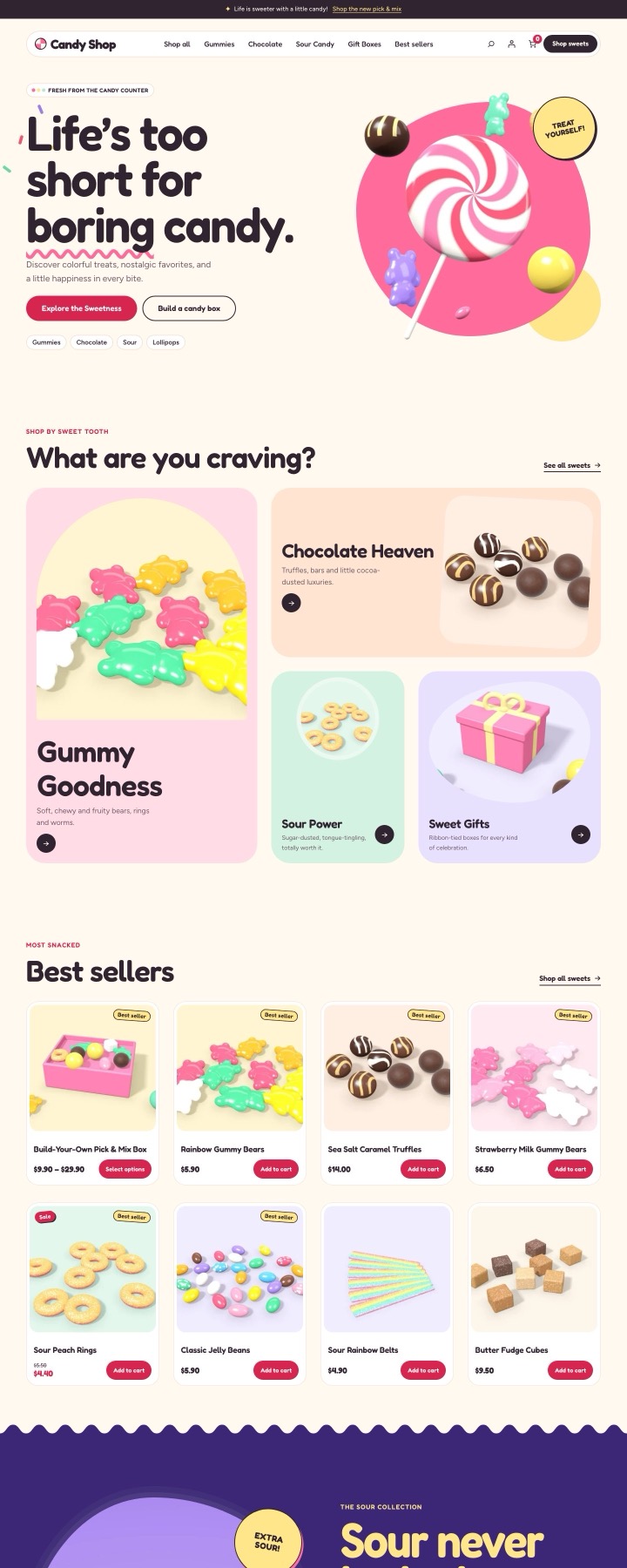 |
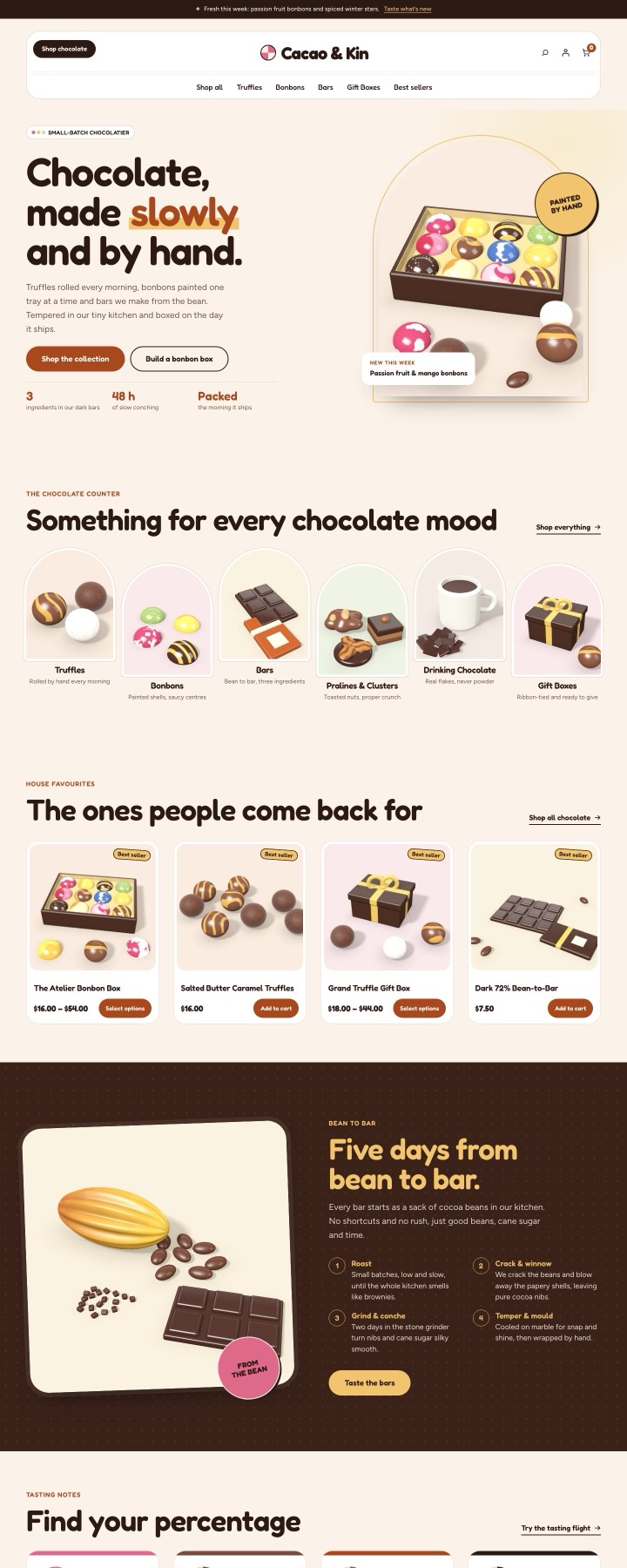 |
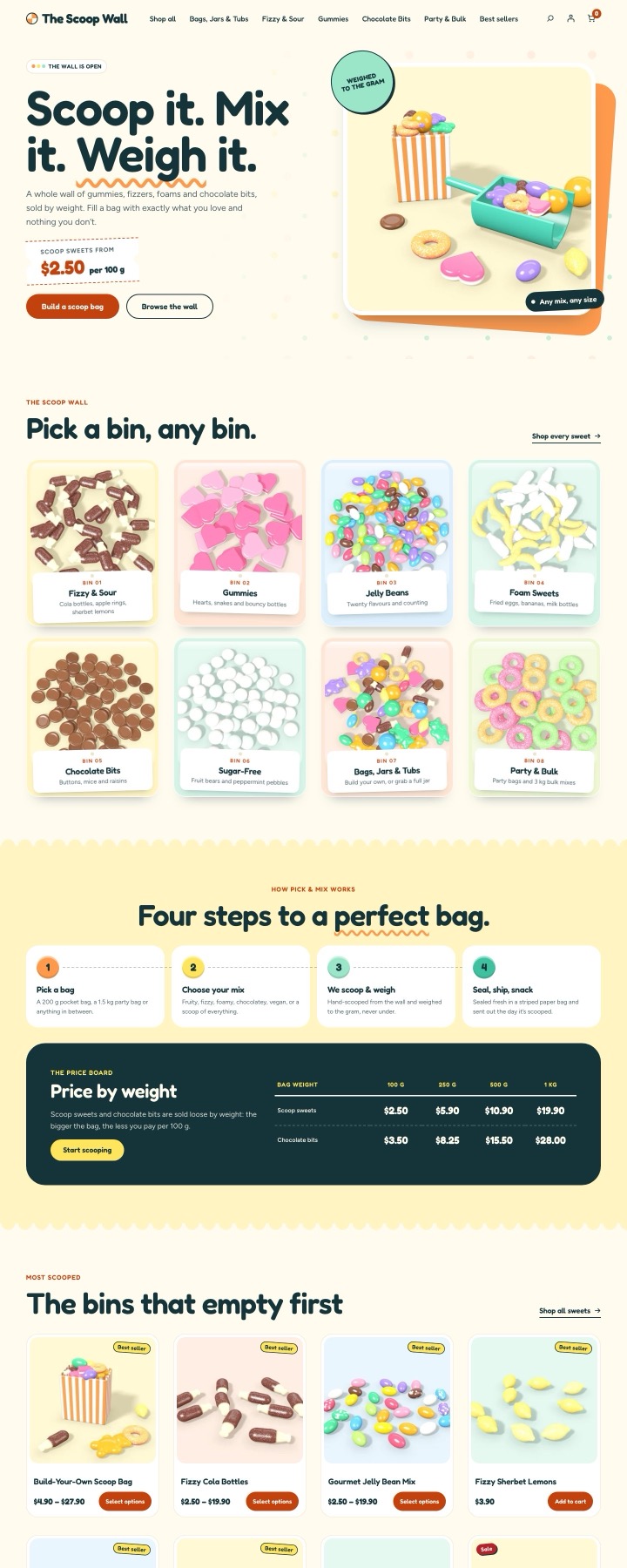 |
| Retro Sweet Shop | Snacks & Treats | |
|---|---|---|
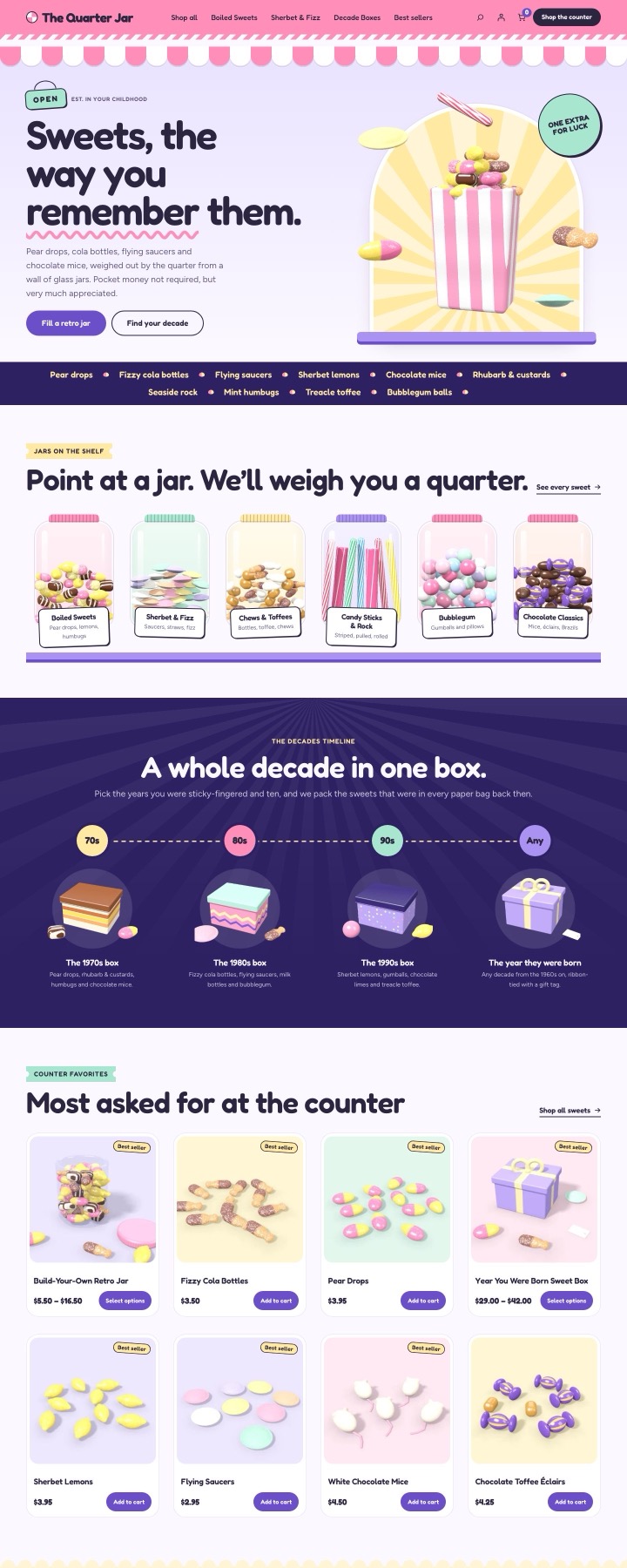 |
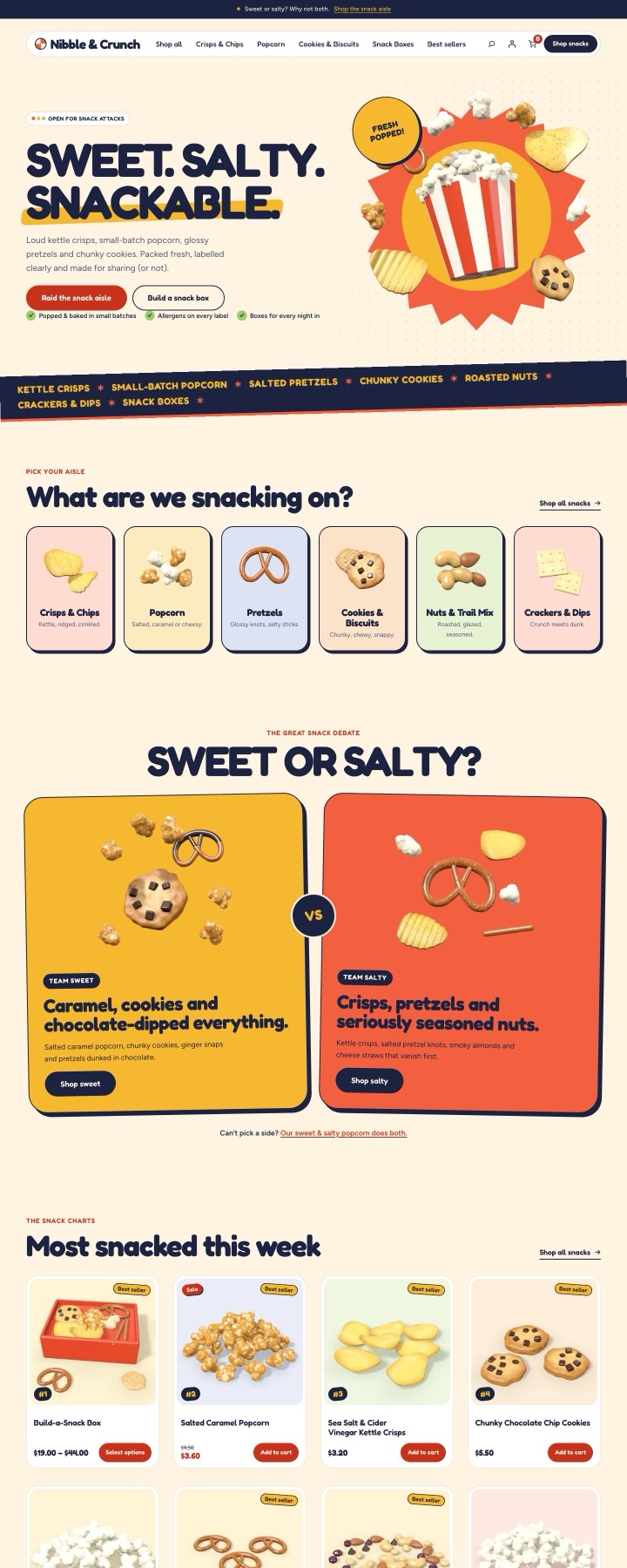 |
You can see each one live on the Candy Shop page.
Sample data is fictional. Products, prices and food information are made up. Replace all sample food information with your own before you sell.
Install a starter
- Go to Appearance → Candy Shop → Starter sites.
- Choose a starter.
- Leave Also apply the starter’s style, header, footer and homepage ticked to get its design. Untick it to import only the catalog.
- Click Install starter site.
With the design applied, the starter’s homepage is a “Homepage: …” template on a new Home page, which becomes your front page. A header or footer you’d already customized in the Site Editor is kept.
Only administrators can install and remove starters.
One at a time
One starter is installed at a time. To try another, remove the installed one first.
Remove a starter
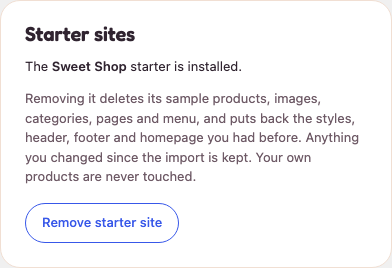
On Appearance → Candy Shop → Starter sites, click Remove starter site. It deletes the sample products, images, categories, pages and menu the starter added, and puts back the styles, header, footer and homepage you had before.
- Changes you made are kept. Anything you changed after the import stays as it is.
- Your own products are never touched. Only what the starter created is removed.
From the command line
With WP-CLI:
wp candy-shop demo starters
wp candy-shop demo import --starter=chocolatier
wp candy-shop demo status
wp candy-shop demo remove
import also takes --skip-design (catalog only), --site-identity (also set the site title and tagline) and --hide-other-products (move your other products to drafts while the sample is installed). wp candy-shop demo restore, or Republish them on the Candy Shop screen, publishes those products again.