
Shipping Health checks your setup and tells you exactly what is missing. Go to WooCommerce → GLS Canada Centre → Shipping Health and click Run checks.
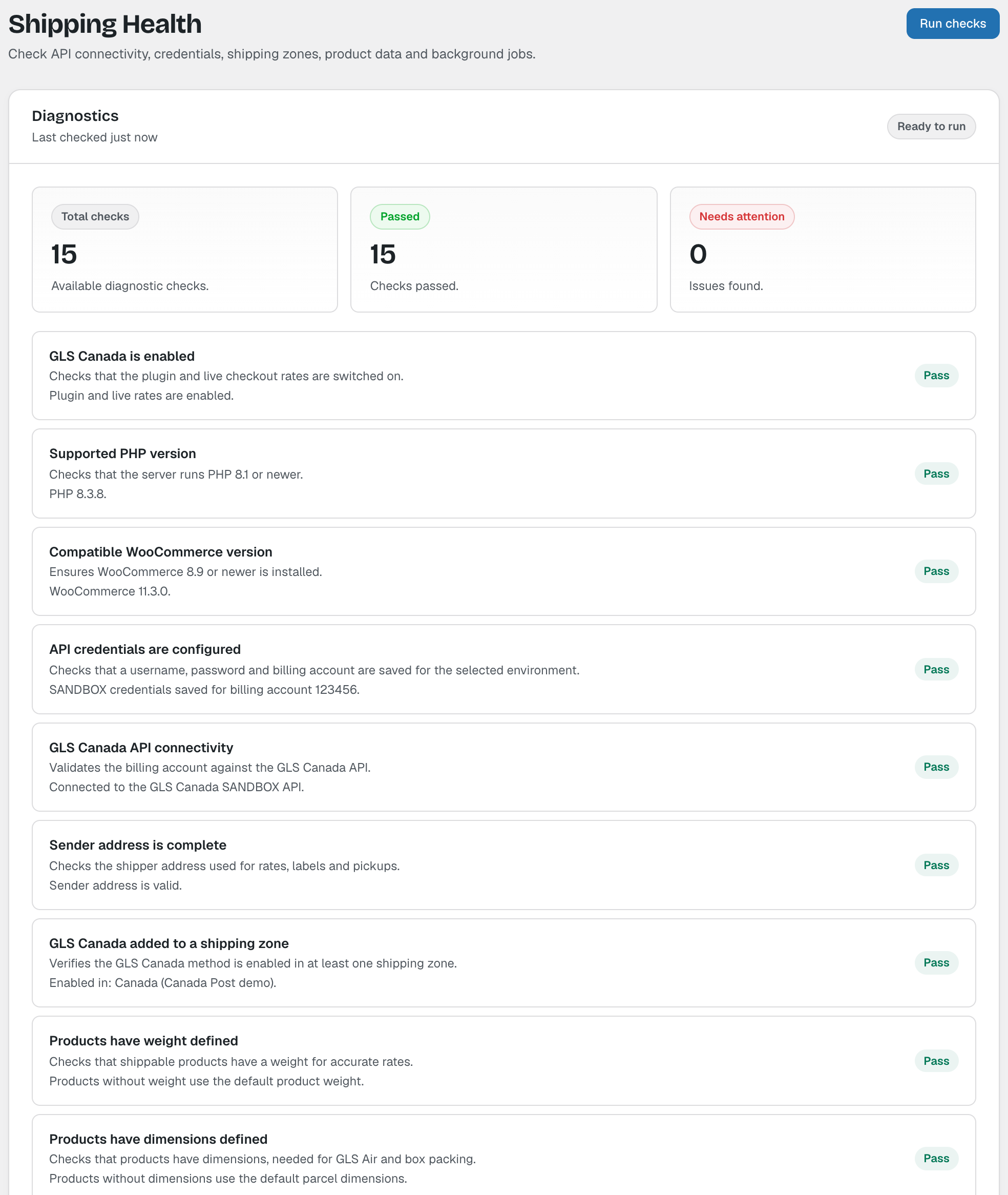
Failed checks explain the problem and link to the place to fix it. The checks are:
- GLS Canada is enabled
- Supported PHP version (8.1 or newer)
- Compatible WooCommerce version (8.9 or newer)
- API credentials are configured
- GLS Canada API connectivity
- Sender address is complete
- GLS Canada added to a shipping zone
- Products have weight defined
- Products have dimensions defined
- Store currency is CAD
- Production mode is confirmed
- Tracking synchronisation is scheduled
- Label storage is protected
- Debug logging is disabled
- License is active