
When a shipment is created, its tracking number is saved on the order. The plugin then refreshes the GLS status in the background.
In the admin
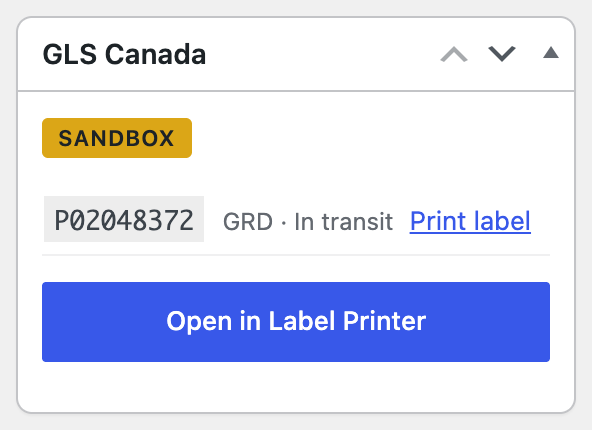
The GLS Canada box on the order page shows the tracking number and status, with a Print label link.
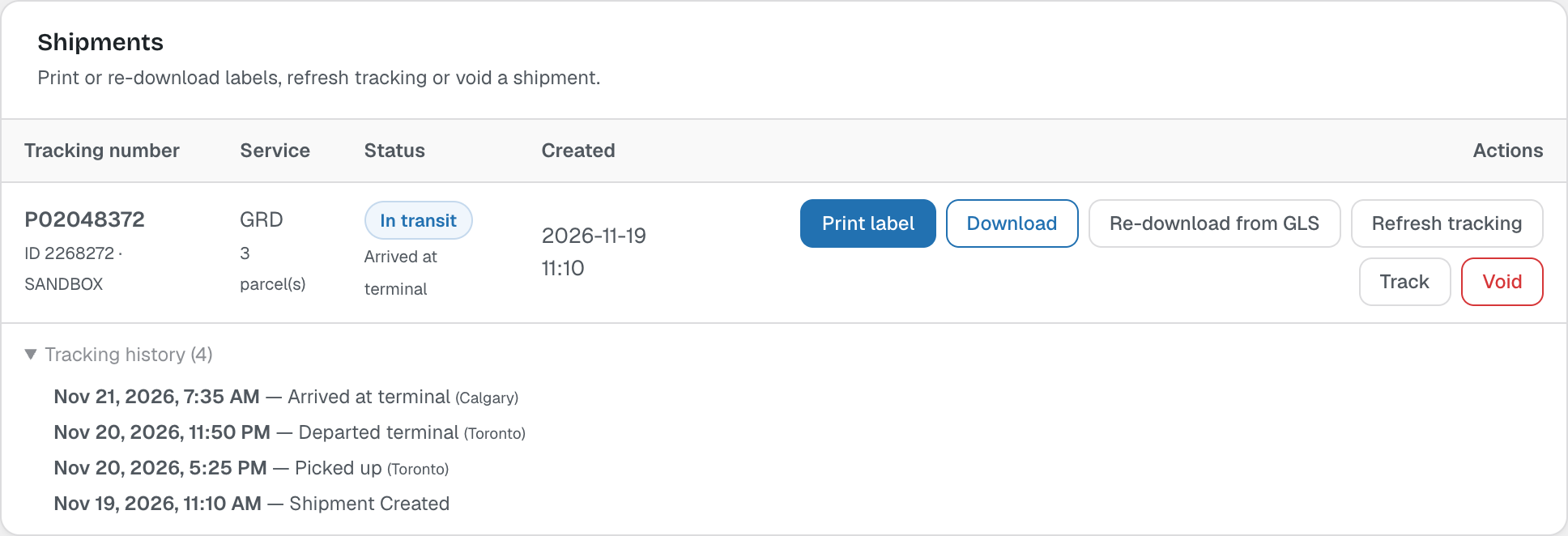
In the Label Printer, open Tracking history to see every GLS scan, or click Refresh tracking for the latest status.
For your customers
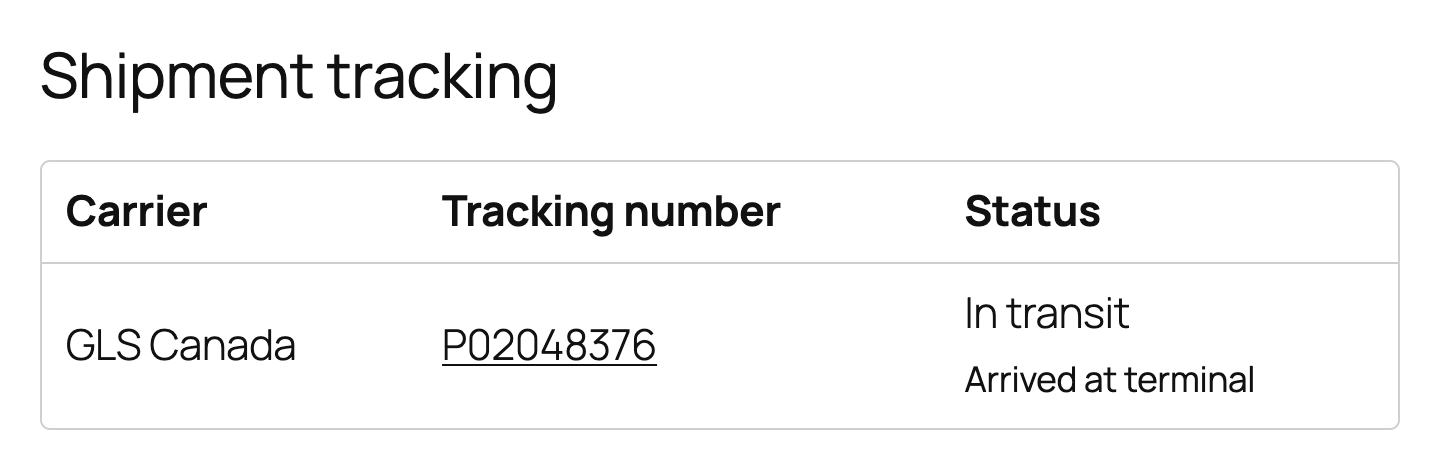
Customers see the carrier, tracking number (linked to the GLS tracking page) and status on the order page in My Account, and in the Completed order, Customer note and Invoice emails.
Settings
In Settings → Tracking you choose where tracking is shown, the tracking page link (use {tracking_number} to insert the number), the sync interval and when to stop syncing. Order statuses are never changed by the plugin.
Note: Status updates use WooCommerce’s Action Scheduler. If tracking never updates, check WooCommerce → Status → Scheduled Actions for glsca_tracking_sync.