
An active license gives you plugin updates and support.
- Go to WooCommerce → UPS Center → License.
- Paste your license key. You received it in the email sent after your purchase. You can also find it in your WPRuby account.
- Click Activate.
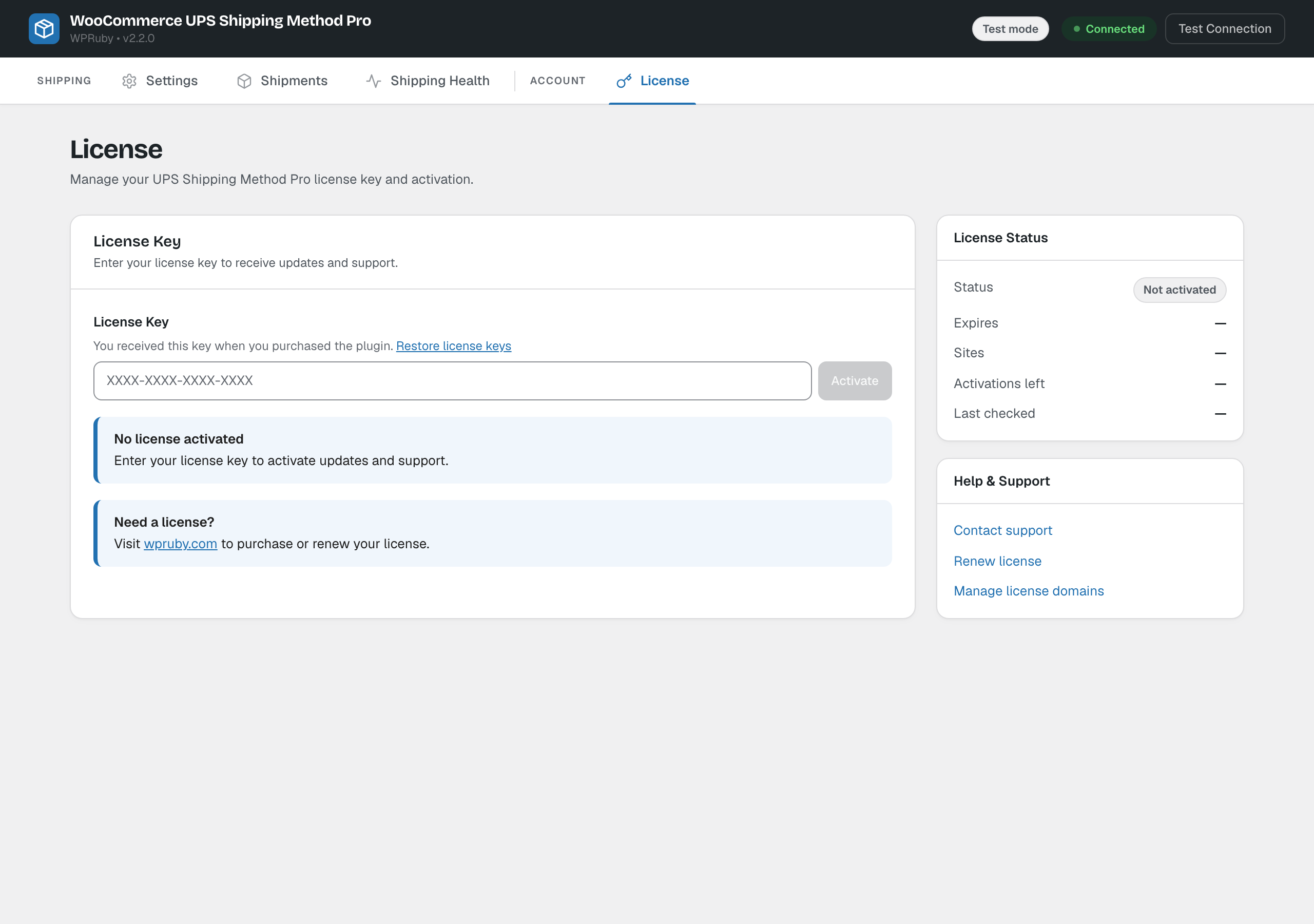
Once activated, the tab shows the license status, expiry date, the number of sites using it, the activations left and when it was last checked.