
The shop page, category pages and product search results share one layout: a filter column and a three-column product grid with twelve products per page. The shop and category pages also list your categories as pills under the title.
To edit it, go to Appearance → Editor → Templates and open Product Catalog (or Products by Category, Product Search Results and so on).
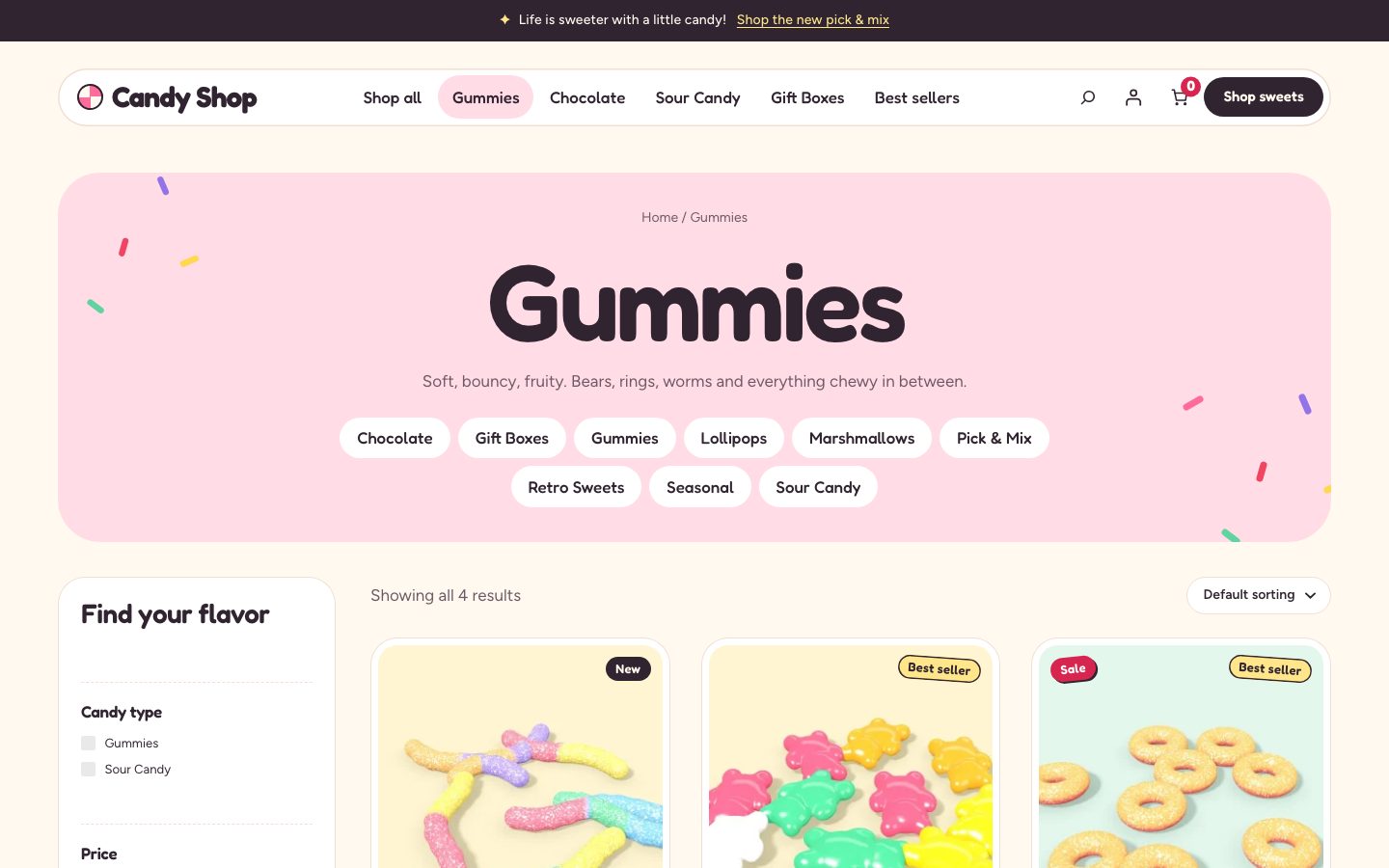
Filters
Filters are WooCommerce’s own Product Filters block, so they work with WooCommerce’s URLs, caching and extensions. Candy Shop sets it up with:
- Active filters as removable chips, with Clear filters
- Category
- Price range
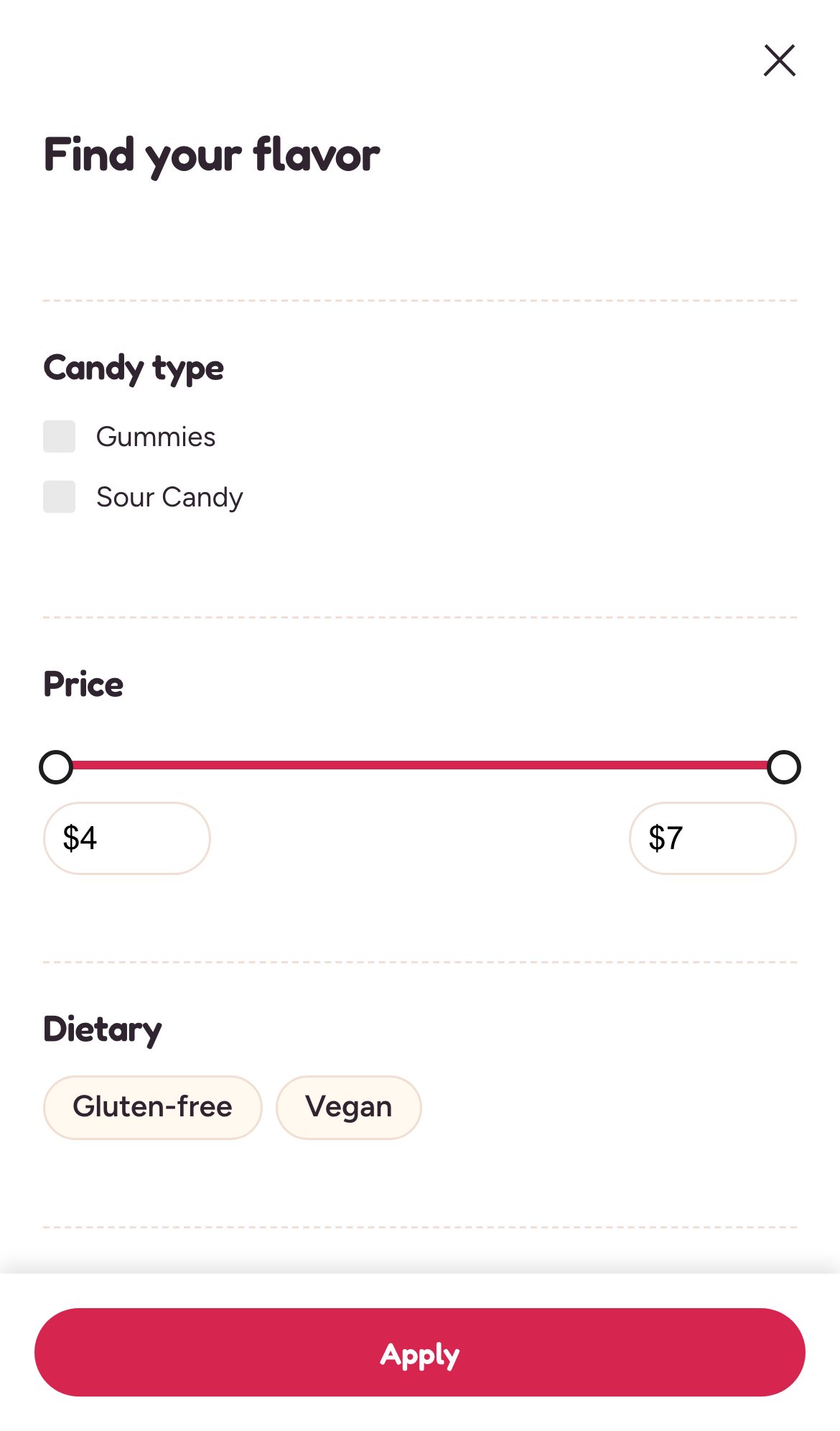
- Every product attribute you’ve created, such as Flavor, Occasion or Dietary
- Rating
- Availability
New attributes appear as filters automatically. Filters only show options that exist in your catalog.
The filter column is titled Find your flavor, and the category filter Candy type. Developers can change both with the candy_shop_copy filter (keys filters_title and category_filter, see Hooks and filters).
On phones
On small screens the filters open in a drawer.
Product cards
Cards show the product image with its badges, the title, the star rating (when the product has reviews), the price and an add-to-cart button.
Cart and checkout
The cart, mini-cart and checkout use WooCommerce’s blocks with Candy Shop’s styling. Checkout has its own focused header without the navigation, so shoppers aren’t pulled away while paying. Nothing in the theme changes how prices, payment, shipping or orders work.