How to Upload Payment Proof in WooCommerce Checkout
Let WooCommerce customers upload a payment receipt, transfer screenshot, or PDF at checkout. Collect proof of bank transfer, e-wallet, or crypto payment without writing code.
Explore our blog for expert tips on WordPress plugins, development, and eCommerce solutions to grow your online business.
Let WooCommerce customers upload a payment receipt, transfer screenshot, or PDF at checkout. Collect proof of bank transfer, e-wallet, or crypto payment without writing code.
Create a custom WooCommerce payment gateway without writing PHP. Add checkout fields, payment instructions, and order status rules using WooCommerce Custom Payment Gateway Pro.
Amazon’s “Order within 2 hrs 15 mins for dispatch today” line works because it is honest. Here is how to add the same countdown to WooCommerce — only when same-day dispatch is actually possible.
Add a Pay by Invoice payment method to WooCommerce so B2B customers can place orders now and pay later. Collect company details, PO numbers, and Net 30 terms at checkout.
Free vs Pro Australia Post for WooCommerce: what the WordPress.org plugin quotes at checkout, what Pro adds, and when Labels Pro is the upgrade that prints labels.
Add Australia Post tracking to WooCommerce orders: consignments from printed labels or typed on the order, Track in My Account, and numbers in customer emails.
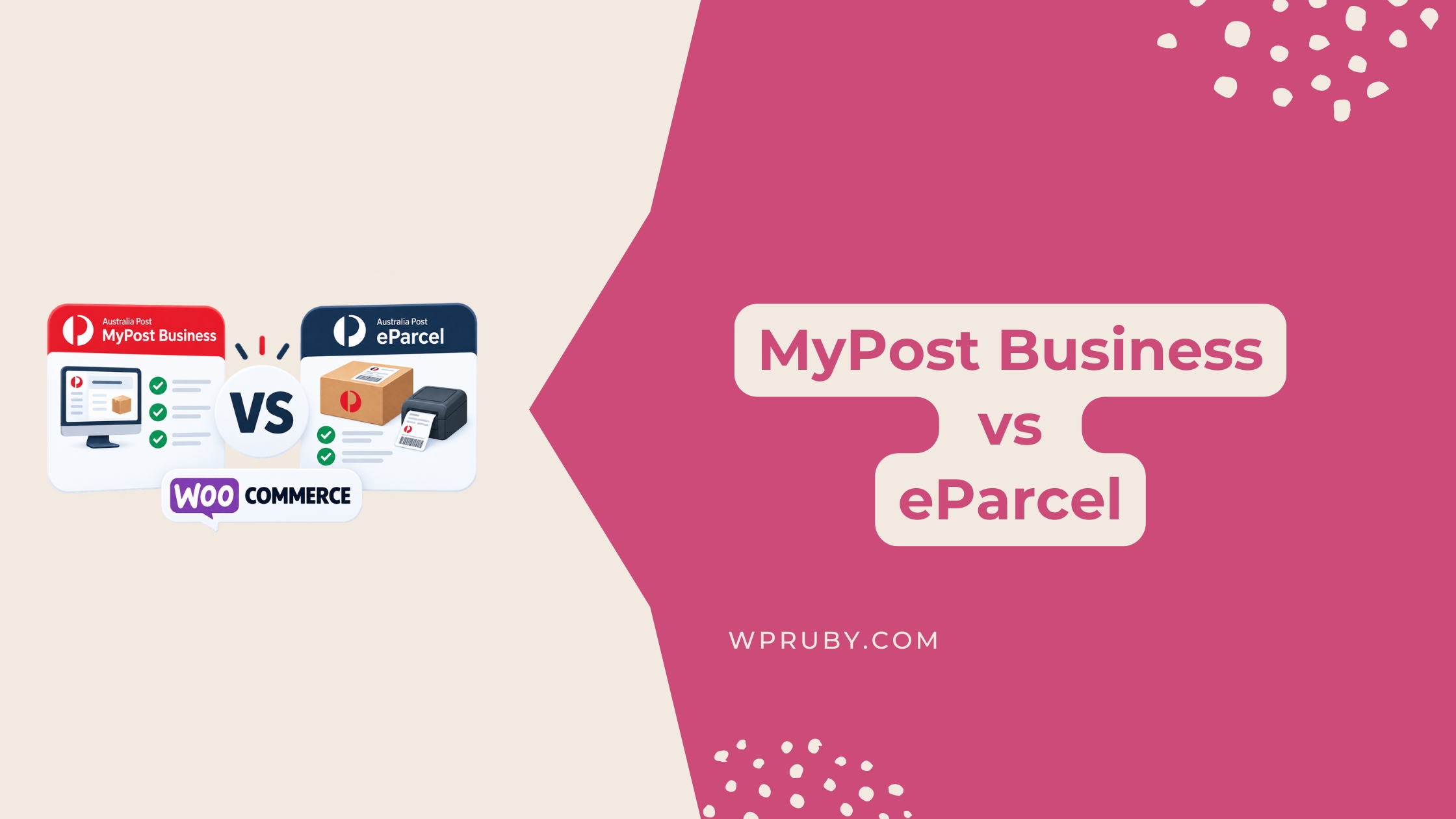
Compare MyPost Business vs eParcel for WooCommerce, including rates, volume requirements, labels, pickups, integrations and which option fits your store best.
Australia Post rates not showing in WooCommerce? Check zones, origin postcode, weight, dimensions, package limits, debug mode, and cache; 12 fixes that work on any plugin.
Connect MyPost Business to WooCommerce with Labels Pro. Get your merchant token, print Australia Post labels, book pickups, and track orders.
Print Australia Post shipping labels in WooCommerce with Labels Pro. Create shipments, bulk-print PDFs, and keep tracking in WordPress, no MyPost copy-paste.