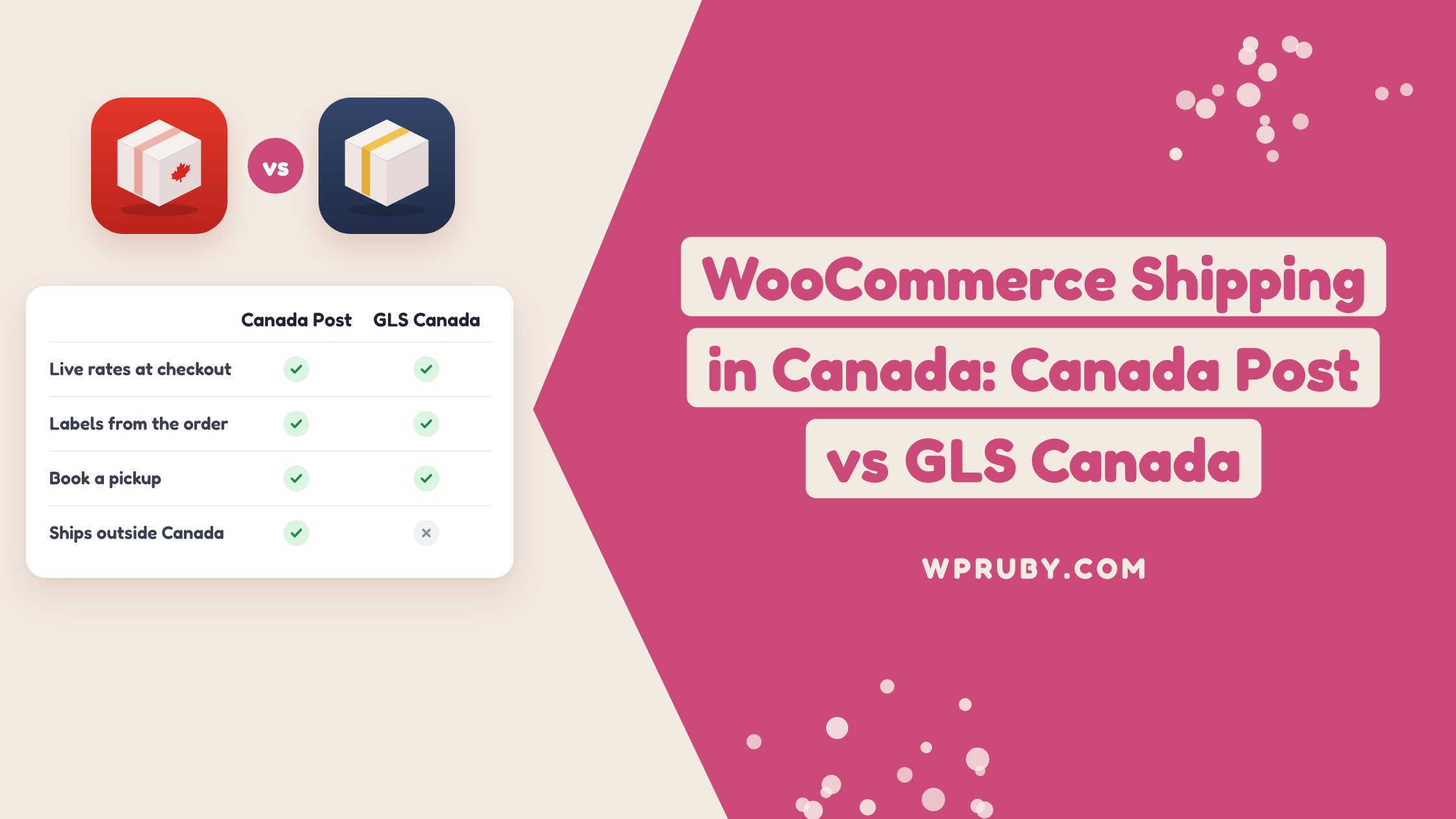
Most Canadian WooCommerce stores ship with Canada Post, a private courier, or both. Canada Post reaches every address in the country and ships abroad. Couriers such as GLS Canada, Purolator, UPS and FedEx run their own networks and often suit business-to-business parcels.
This guide compares the two Canadian carriers WPRuby builds dedicated WooCommerce plugins for, Canada Post and GLS Canada. It covers where they deliver, which accounts you need, and what each one looks like at checkout and when you print labels, so you can choose one or run both.
Canada Post vs GLS Canada at a glance
| Canada Post | GLS Canada | |
|---|---|---|
| Where it delivers | Every Canadian address, plus the United States and international destinations | Within Canada (Parcel service) |
| Account you need | Solutions for Small Business (no contract, pay by card) or a Commercial contract | A GLS Canada account with a Parcel billing account, and API access enabled by GLS |
| Services at checkout | Regular Parcel, Expedited Parcel, Xpresspost, Priority, plus U.S. and international services | GLS Ground and GLS Air |
| Collect at a post office | Yes, with Deliver to Post Office (Expedited Parcel and Xpresspost) | No |
| Residential addresses | Delivers to homes and businesses alike; no residential flag to set | Shipments are treated as commercial unless flagged residential, which has a surcharge |
| Labels | 4×6 or 8.5×11 PDF, or ZPL for thermal printers | 4×5 in, 4×5 in peel-off or 8.5×11 in PDF |
| End of day | Contract accounts transmit a manifest; Small Business shipments need no manifest. Pickups can be booked. | Request a pickup for your shipments and print the pickup manifest |
| Returns in WooCommerce | Return labels, and customer self-service returns from My Account | Not included |
| Tracking | Scan events on the order and a timeline in My Account | Latest status on the order, in My Account and in order e-mails |
| Try before going live | Built-in Demo mode, then Canada Post’s Test API | GLS Canada sandbox |
| French (Canada) admin | Yes, fully translated | English |
| WPRuby plugin | WooCommerce Canada Post Extension PRO | WooCommerce GLS Canada Shipping Pro |
The prices you pay for postage depend on your own account with each carrier. Both plugins show your account’s rates at checkout, so the most reliable way to compare cost is to quote the same carts with both.
Where each carrier delivers
Canada Post delivers to every address in Canada, including rural and remote ones, and ships to the United States and other countries. If you sell outside Canada, you need Canada Post or another international carrier for those orders. The Canada Post plugin fills in customs declarations from the HS codes and countries of origin on your products.
GLS Canada, the former Dicom network, runs its own ground network across Canada. Its Parcel service delivers within Canada only, so GLS rates and labels are offered for Canadian addresses.
The account you need
With Canada Post, you can start without a contract. A Solutions for Small Business account pays for each label with the card on your Canada Post profile when you create it. A Commercial contract account is billed on account, and its shipments are closed out on an end-of-day manifest. Either way, you create an app in the Canada Post Developer Portal and give the plugin its API key and secret.
With GLS Canada, you need a GLS Canada account with a login for its shipping site and a 6-digit Parcel billing account. GLS Canada then enables API access for free when you e-mail its technical support. If you have negotiated GLS prices, the plugin can use them.
What customers see at checkout
Both plugins add a shipping method to your WooCommerce shipping zones, show live rates with delivery estimates, and work on both the block checkout and the classic checkout. Both let you rename services and add a fixed or percentage handling fee or discount.
Canada Post gives customers more choice: up to four domestic speeds, U.S. and international services, and Deliver to Post Office, where the customer picks a post office at checkout. The Canada Post plugin can also offer free shipping above an order amount.
GLS offers two services, GLS Ground and GLS Air. Because GLS treats every shipment as commercial unless it’s flagged as residential, decide how to handle home addresses: the plugin flags orders without a company name as residential by default, and you can include the residential surcharge in the prices customers see.
Labels, pickups and tracking
With either plugin, you open an order, check the addresses and parcels, and print the label without leaving WooCommerce. Both can create labels for many orders in one background batch and save the tracking number on each order.
- Canada Post: 4×6 or letter-size labels, or ZPL for thermal printers. Contract accounts transmit a manifest at the end of the day. You can book Canada Post pickups and handle returns, including printable and QR code returns that customers create from My Account.
- GLS Canada: 4×5 in, peel-off or 8.5×11 in PDF labels. GLS needs a pickup request for your shipments, which you send from the plugin, and then you print the pickup manifest. Tracking statuses are refreshed in the background and shown to customers in My Account and their order e-mails.
Which carrier should you choose?
Choose Canada Post if…
- you ship to the United States or internationally;
- many of your customers are in rural or remote areas, or prefer to collect at a post office;
- you don’t have a shipping contract yet;
- you want returns handled inside WooCommerce, or a French admin for your team.
Choose GLS Canada if…
- you already have a GLS Canada account, or negotiated GLS prices;
- you ship mostly within Canada, and many of your parcels go to businesses;
- you want GLS pickups and tracking without typing orders into the GLS shipping site.
Or offer both
You don’t have to choose. Add both shipping methods to your Canada zone, and customers see Canada Post and GLS rates side by side. Then use Canada Post alone in your U.S. and international zones. Each plugin prints labels for its own carrier from the same order screen, and you can print a label with either carrier, whatever the customer chose at checkout.
How to set them up
- Canada Post: how to show Canada Post shipping rates at WooCommerce checkout and how to print Canada Post shipping labels in WooCommerce.
- GLS Canada: how to connect GLS Canada to WooCommerce.
Frequently asked questions
Which is cheaper, Canada Post or GLS Canada?
It depends on your account, your parcels and where they go. Both plugins show your own account’s rates at checkout, so quote a few typical carts with each and compare.
Can I offer Canada Post and GLS at the same checkout?
Yes. Add both shipping methods to the same WooCommerce shipping zone, and customers choose between them.
Does GLS Canada deliver to the United States?
Not through its Parcel service, so the GLS plugin offers rates and labels for Canadian addresses only. Use Canada Post for U.S. and international orders.
Do I need a contract with Canada Post?
No. A Solutions for Small Business account works without a contract; each label is paid by the card on your Canada Post profile. Commercial contract accounts are supported too.
Can I test before buying real postage?
Yes. The Canada Post plugin has a built-in Demo mode and a Test API mode, and the GLS plugin has a sandbox mode. Nothing is billed in any of them.
Ship your Canadian orders from WooCommerce
Both plugins use your own carrier account, show live rates at checkout and print labels from the order screen. Start with WooCommerce Canada Post Extension PRO if you ship across Canada and abroad, or WooCommerce GLS Canada Shipping Pro if you ship with GLS within Canada.